

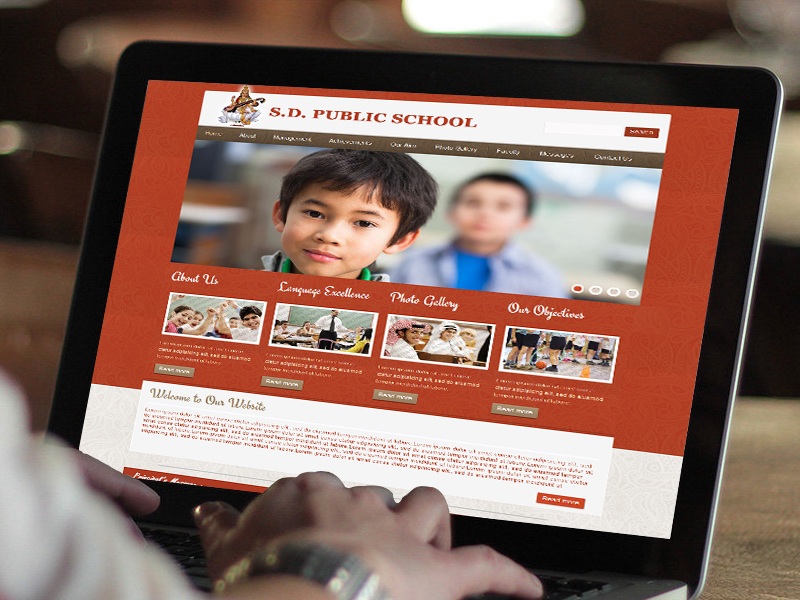
With the growing diversity of student populations, schools also need to become fully prepared in meeting the needs of students with disabilities. These students must be given equal opportunity and access to information. For your school website, these means being accessible, or ADA-friendly.
The basis of this requirement for school websites is the Department of Justice’s (DOJ) Americans with Disabilities Act (ADA) Standards for Accessible Design, published in 2010. The standards cover all electronic and information technology (IT) designs, and as such, includes communication tools like school websites. Another standard for school website accessibility is the Section 508 regulation, which amends the Rehabilitation Act of 1973 and similarly covers IT communication materials, as well as computer hardware, software, and documentation.
While both have similarities in their criteria, each has their own specifics in terms compliance. A school can decide which standard to use, but most follow the WCAG (Web Content Accessibility Guidelines) 2.0 level AA guidelines as prescribed by the DOJ, as it is still currently drawing up its own specific regulations regarding the ADA.
ADA Compliance
The details of WCAG 2.0 guidelines can be complex, and it is best that schools study it very carefully in order to understand the requirements in putting up a website that is ADA-friendly. There are many resources available on the web such as checklists that provide guidance on understanding ADA compliance.
For a quick overview, the following are among the essential features of an ADA-friendly school website:
Skip Navigation
Individuals with special needs regarding sight or hearing usually employ the help of a screenreader that translates text into voice. When a page loads using such a tool, the website’s navigation is the first portion that is read. A skip navigation link is essential so that a visitor can opt to skip this portion and go right to the main content of the webpage. This functionality is useful for repeat visitors to the website who do not need extensive introduction to the navigation panel anymore.
Additionally, the website’s navigation should also work using keywords. Hyperlinks should be highlighted when the tab and arrow keys are used to navigate, and drop-down menus should pop up. Often, highlighting links with a light blue outline on the font only may not be enough for special needs people. The links should be highlighted in a distinct and visible manner.
Alt Text
“Alt text” means alternative text. This helps translate the content of images, graphics, image map hot spots, form image buttons, or linked images. Decorative images that do not have content are best implemented as CSS background, while complicated images should be explained in context or through a separate page. For forms that need to be filled up, the input fields must have corresponding text labels.
Visual Contrast
In order to ensure visibility, texts (as well as images of texts) should possess a contrast ratio of a minimum of 4.5:1. Large texts in typefaces beyond 18 pts. (or 14 pts. in bold) should have a contrast ratio of at least 3:1. In such cases, color can be used for contrast along with differentiation such as an underline appearing upon hover. Otherwise, color alone shouldn’t be used as the sole method of conveying content or be used to distinguish links from surrounding text.
Tables
If tables are used on the website, they must have identifiers for the headers and rows to properly display the information. Captions and summaries should also be included as needed so that a user employing a screenreader can appreciate the data more clearly and accurately.
Keyboard Accessibility
All features on the webpages should be accessible using a keyboard (except for specialized functionalities such as freehand drawing or other types of input). In essence, a user should be able to navigate the website and all its pages using only a keyboard.
Semantic Mark-up
Screenreaders and other similar assistive devices and systems are not able to appreciate visual styling. Thus, HTML heading elements must be used for content heading. For visual effects or emphasis, font formatting such as size, bold, or italics can be used. HTML lists (ul, ol, and dl tags) can be used to convey hierarchical content structure illustrating progression or sequence.
Audio and Video
Similar to closed captioning for television, web-based visual materials such as YouTube videos should have synchronized captions, descriptive text transcript, or audio description. Similarly, descriptive text transcripts for web-based audio materials, such as podcasts, MP3 files, and the like should also be available.
Feedback
A proper channel and method for website users and visitors should be available, in order to request additional information or assistance. Usually, an e-mail address or feedback form is provided in the website. Such mechanisms also service as a customer experience tool to further and dynamically improve the user friendliness and accessibility of the school website
Investing in an ADA-Friendly School Website
Experienced website solutions providers, like Edlio, can be a big help for schools that aim to build an ADA-friendly website. An online solutions provider with proven track record and experience in accessibility can help interpret the complexity of WCAG guidelines in the academic setting. There are also providers who have built their expertise particularly in the academic sector, and thus have a stronger knowledge of the features that suit school websites best.
