

Introduction
Choosing the right coding classes in Singapore can feel surprisingly complicated. Parents may encounter programmes covering coding, robotics, game development, artificial intelligence, animation and engineering, often with very different teaching methods and age recommendations.
The most advanced-looking programme is not necessarily the best one for your child. A suitable coding class should match your child’s age, current ability, attention span, interests and preferred way of learning.
For younger children, coding-related learning may begin with sequencing, construction, visual instructions and simple robotic movements. Primary school students can progress to block-based programming, game creation, sensors and engineering challenges. Older students may explore more complex programming structures, machine learning concepts and independent robotics projects.
This 2026 parent guide explains how children’s coding classes work, when children can begin, what skills they may develop and what parents should consider before enrolling. It also examines how structured programmes at Meta Robotics help children aged 3 to 16 progress from introductory STEM activities to more advanced coding and robotics challenges.
Coding Classes in Singapore: The Answer in Brief
Coding classes in Singapore teach children how to solve problems using logical instructions, digital projects and, in some programmes, physical robots. Children can begin with guided STEM and sequencing activities from around age three. As they develop, they may progress to visual programming, robotics, game development, sensors, machine learning and more independent projects.
The best class is not necessarily the one that teaches the greatest number of technologies. It is the one that provides the right balance of challenge, teacher support, hands-on participation and steady progression for your child’s age and experience.
Key Takeaways
Good coding classes teach more than how to operate a programming tool. Children practise breaking a challenge into smaller steps, testing possible solutions, identifying errors and improving their work. These habits may support clearer thinking, greater patience and more confidence when dealing with unfamiliar problems.
Children can begin coding-related activities from preschool age when lessons are built around movement, construction, patterns, guided play and simple cause-and-effect relationships. Formal programming syntax does not need to be introduced immediately. The learning experience should become more technical as the child’s reading, reasoning and concentration skills develop.
Parents should look beyond impressive equipment or complicated course names. Curriculum progression, teacher guidance, hands-on participation, class structure, parent communication and the child’s response to the lesson are often more useful indicators of programme quality. A trial class can help parents observe these factors before committing to a longer course.
What Are Coding Classes for Children?
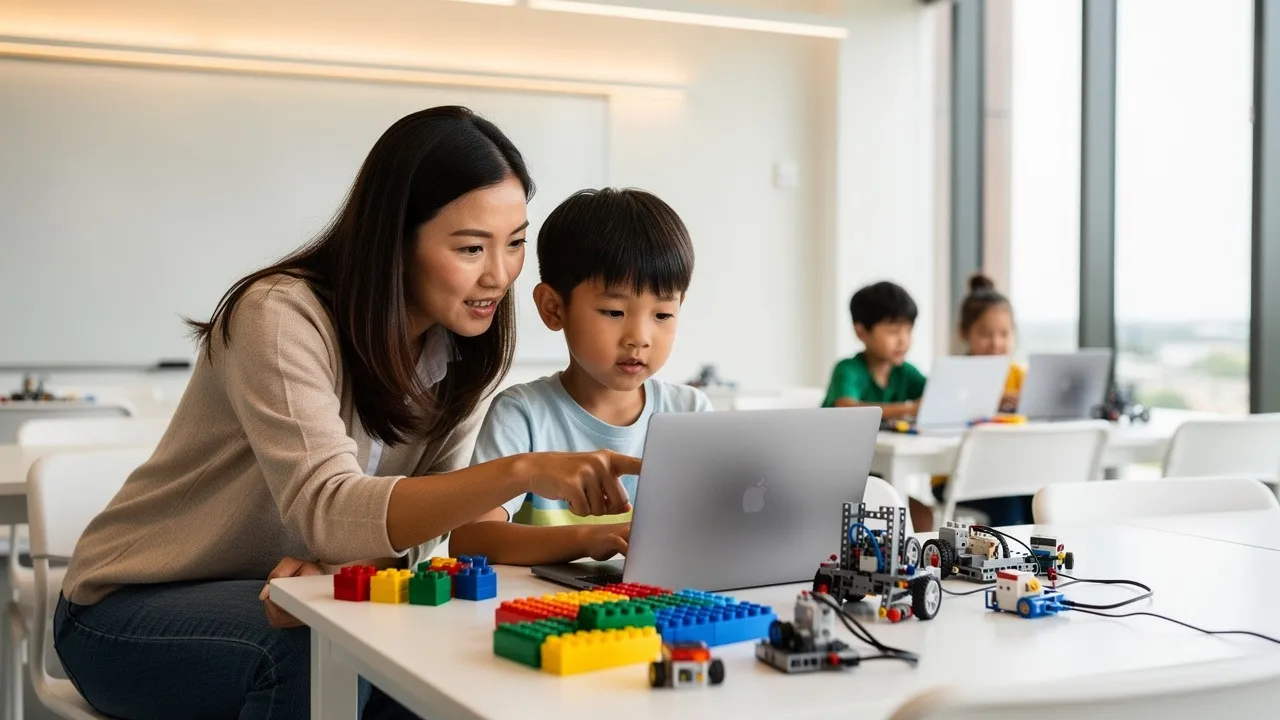
Coding classes teach children how to give instructions to a computer, digital system or robot in a logical sequence. Depending on the child’s age, these instructions may be created using physical cards, visual blocks, drag-and-drop commands or text-based programming.
Children do not necessarily spend every lesson typing code. Well-designed classes can also include planning, storytelling, construction, experimentation, debugging, teamwork and presentation.
For example, a child may be asked to build a robot that can travel through a simple course. Before the robot moves successfully, the child must consider its direction, distance, speed, sensors and sequence of actions. When something goes wrong, the child reviews the construction or instructions and tries again.
This combination of planning, testing and improving is one reason robotics can be an effective introduction to coding. It makes an abstract instruction visible. Children can immediately observe whether their solution works and adjust it based on the outcome.
Visual programming environments can also provide younger learners with a creative entry point. Platforms such as Scratch allow children to create interactive stories, games and animations through a visual interface rather than beginning with complex text-based syntax.
Are Coding Classes in Singapore Worth It?
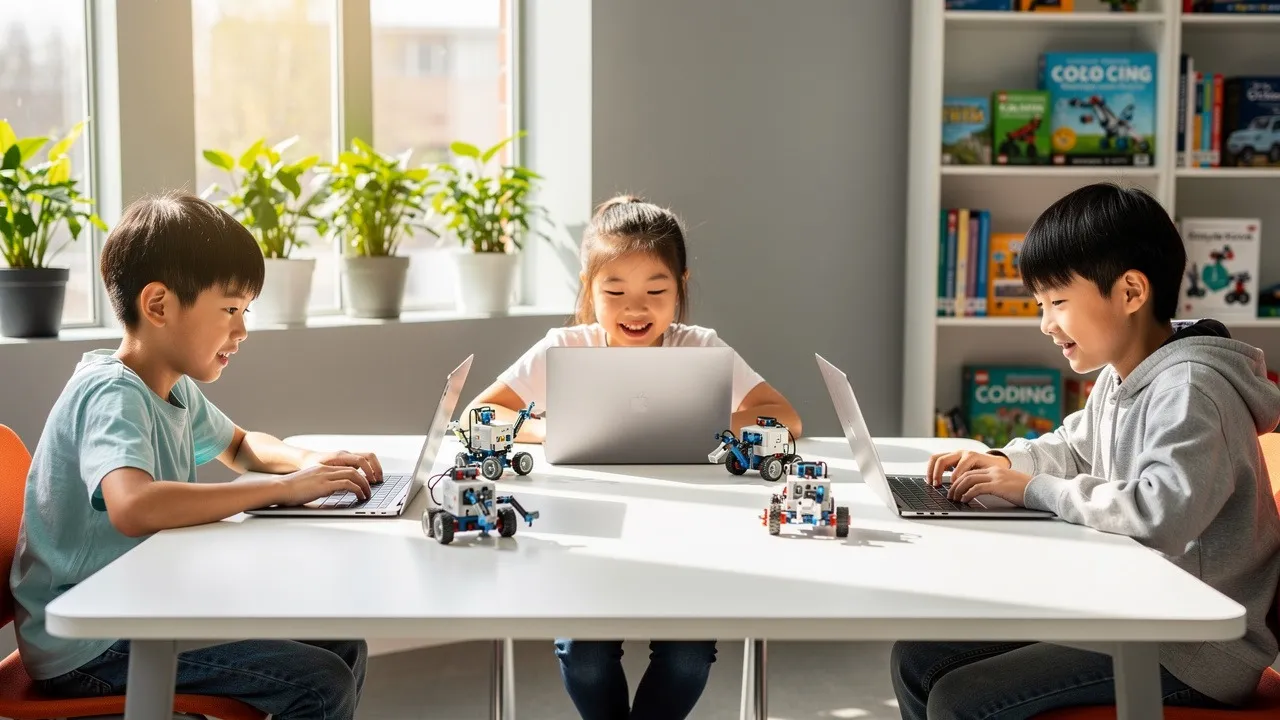
Coding classes can be worthwhile when the curriculum is appropriate for the child and provides structured opportunities to think, create and solve problems.
The value of a class should not be measured only by the number of programming languages or software platforms covered. A child who understands sequencing, logic, testing and debugging has developed a foundation that can later be applied to different technologies.
Through regular coding and robotics activities, children learn to arrange instructions in a logical order, divide a large challenge into smaller steps and recognise the relationship between actions and outcomes. They also become more comfortable testing ideas instead of expecting every first attempt to work.
Children may be asked to explain how a project functions, why they made certain decisions and what they changed when a solution did not work. Collaborative activities can also help them listen to classmates, communicate ideas and contribute to shared challenges.
Coding classes are most valuable when children are active participants. A lesson should not consist only of copying a completed project from the teacher. Students should have opportunities to make decisions, encounter manageable difficulties and develop their own solutions.
What Is the Best Age to Start Coding Classes?
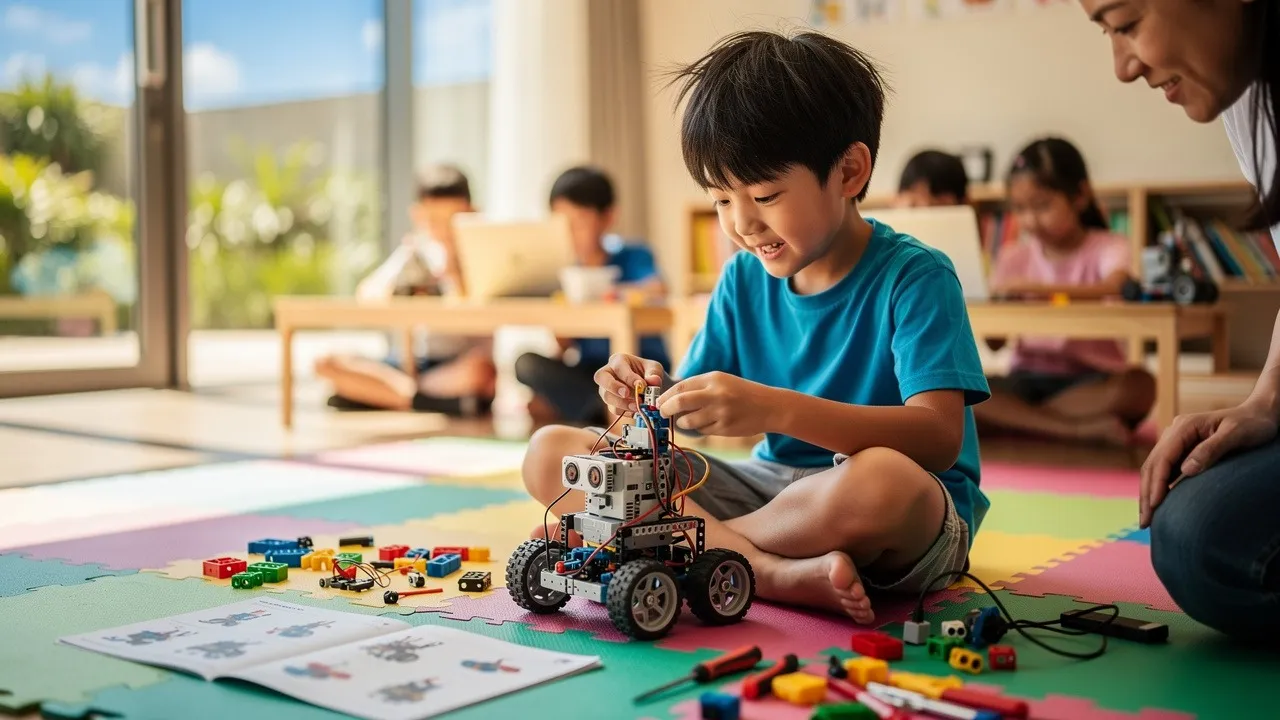
Children can begin age-appropriate STEM, sequencing and robotics activities from around three years old, but the teaching method should be different at each stage.
There is no need to rush a preschooler into complicated programming. Early lessons should focus on curiosity, patterns, fine motor development, following sequences and understanding simple cause and effect.
As children grow older, lessons can gradually introduce independent construction, visual programming, game design, sensors, robotics and more advanced computing concepts.
Coding and Robotics Learning by Age
|
Age |
Suitable learning approach |
Examples of activities |
Meta Robotics pathway |
|
3-4 |
Guided play, visual learning and physical exploration |
Shapes, colours, counting, patterns, construction and simple sequences |
Adapter Programme |
|
5-6 |
Foundational logic with guided coding and building |
Robotics, visual instructions, simple animation and movement commands |
Ranker Programme |
|
7-9 |
Interactive project creation |
Games, animations, loops, events, robotics and sensor-based activities |
High Ranker Programme |
|
10-12 |
Multi-stage problem-solving |
Robotics coding, game logic, machine learning concepts and project refinement |
Ace Programme |
|
13+ |
More advanced and independent technical work |
Coding, robotics, design, advanced technology and longer projects |
King Programme |
Meta Robotics organises its regular learning pathway into the Adapter, Ranker, High Ranker, Ace and King programmes. The published age bands range from ages 3 to 4 for the Adapter Programme through to ages 13 and above for the King Programme.
Ages 3 to 4: Learning Through Guided Exploration
Children at this age generally benefit from short, tactile and highly visual activities. Lessons may cover colours, shapes, counting, directions, matching, construction and simple step-by-step instructions.
The objective is not to make preschoolers write formal code. It is to help them understand that actions can follow an order and that different instructions or arrangements create different outcomes.
Meta Robotics’ Adapter Programme uses hands-on activities to introduce children aged 3 to 4 to early science and mathematics concepts while supporting fine motor, visual-spatial, communication and social development.
Ages 5 to 6: Building Foundational Logic
Children between five and six can usually follow longer instruction sequences and begin explaining their choices. Suitable lessons may include guided construction, simple robotics, movement commands, coding blocks and introductory animation.
Meta Robotics’ Ranker Programme is designed for children aged 5 to 6 and introduces robotics, coding and animation as part of a broader STEM foundation.
Ages 7 to 9: Creating Interactive Projects
Primary school children can begin working with programming concepts such as events, loops, decisions, scoring systems and sensor-based actions.
They may create interactive stories, simple games, animations and robots that respond to commands. At this stage, children should begin understanding why a project works instead of simply reproducing a teacher’s demonstration.
The High Ranker Programme at Meta Robotics serves children aged 7 to 9 and combines science, mathematics, coding, design, robotics, games and animation through hands-on projects.
Ages 10 to 12: Solving More Complex Problems
Older primary school students can manage projects with several connected components. They may explore more advanced robotics, game logic, machine learning concepts, data, testing and project refinement.
Meta Robotics’ Ace Programme is designed for students aged 10 to 12 and integrates robotics, coding, machine learning, games and animation with science, mathematics and technology.
Ages 13 and Above: Moving Towards Independent Projects
Teenagers can move beyond introductory block-based activities and explore more complex programming structures, advanced robotics, design and evolving technologies.
The King Programme is designed for learners aged 13 and above. Its curriculum combines science, mathematics, coding, design and advanced technology through increasingly challenging projects.
What Should Parents Look for in Coding Classes in Singapore?
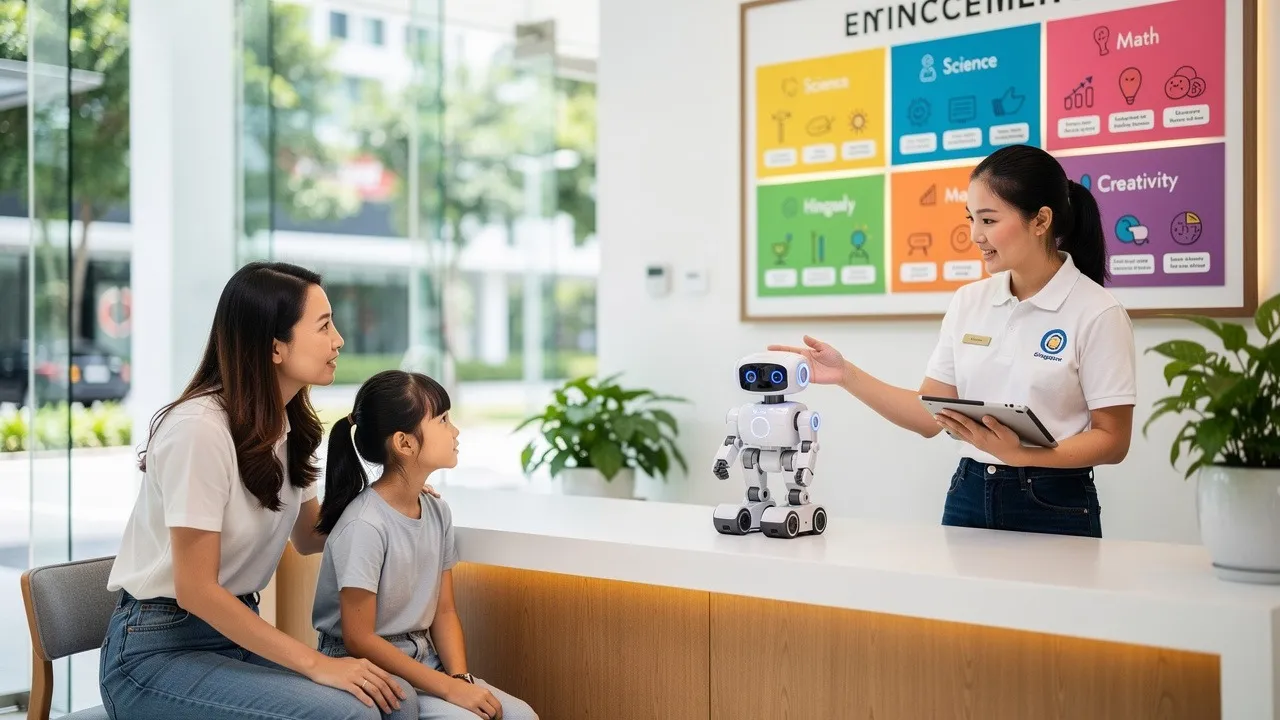
Parents should evaluate the teaching environment, curriculum, level of student participation and suitability for their child.
A class should not be chosen solely because it uses impressive robots or mentions artificial intelligence. The most useful programme is one that helps the child understand concepts and progress steadily.
An Age-Appropriate Curriculum
The difficulty of the activities should match the child’s developmental stage.
A preschooler may need physical activities and simple visual instructions, while a teenager may be ready for more advanced coding and independent projects. Starting too far ahead can create frustration, while repeating work that is too easy may lead to boredom.
Before enrolling, parents should ask where their child will begin, what concepts are taught at that level, how much independent work is expected and how the difficulty will increase over time. Children with previous coding experience may also need an assessment to identify the most appropriate starting point.
Clear Progression Between Levels
A strong curriculum should show how one level prepares students for the next.
Instead of offering disconnected activities, a structured programme revisits important concepts through increasingly challenging projects. Students may first encounter basic sequencing before applying it to games, robotics, sensor-based systems and more complex programming tasks.
Meta Robotics describes its approach as spiral learning, in which students revisit key concepts through progressively more challenging modules. This allows learners to strengthen earlier knowledge while applying it in new situations.
Active, Hands-On Learning
Children often understand coding more clearly when they can apply it to something they have built, designed or created.
A hands-on lesson may ask students to construct a mechanism, programme a movement, test the result, diagnose a problem and revise the solution. Coding then has an immediate purpose, and students can connect digital instructions with visible outcomes.
Appropriate Teacher Guidance
Teachers should provide enough support to prevent children from becoming completely stuck, but they should not solve every problem on the student’s behalf.
A teacher may ask the child what they expected the robot to do, which instruction controls a particular movement or what changed after the last adjustment. The instructor may also encourage the student to consider whether the problem is caused by the code, the construction or the planned sequence.
This type of guidance encourages children to examine their own work and gradually become more independent.
Time to Test and Improve
Mistakes are a normal part of coding.
When a programme treats an error as useful information, children learn that an unsuccessful attempt is not the end of a project. It is a clue that helps them decide what to change.
Parents can ask whether students have enough time to troubleshoot, experiment and improve their projects rather than rushing to complete a fixed worksheet.
Meaningful Progress Updates
Parents should have a reasonable understanding of what their child is learning.
Useful updates may explain the projects completed, concepts covered, teacher observations and skills that require further practice. Photographs, videos, project portfolios, assessments and certificates can also help families follow a child’s development.
Meta Robotics provides personalised progress updates that may include photographs and videos. Students may also receive verifiable digital certificates as they complete programme levels.
Is Robotics the Same as Coding?
Robotics and coding are closely connected, but they are not the same.
Coding involves creating instructions for a computer or digital system. Robotics combines coding with physical construction, motors, sensors, mechanics, electronics and engineering design.
In a screen-based coding project, a child might create an animation, story or game. In a robotics activity, the child may programme a physical model to move, detect an obstacle, respond to light or complete a task.
Robotics can be particularly engaging for hands-on learners because the result is physical and immediate. When the robot does not behave as expected, students must consider several possible causes. The code may be incorrect, a sensor may be positioned poorly, a mechanism may be unstable or the planned sequence may need to change.
Neither format is automatically better. Screen-based coding develops digital creativity and programming logic, while robotics adds physical construction and engineering. A blended programme can help children understand both digital instructions and real-world outcomes.
What Skills Can Children Develop Through Coding and Robotics?
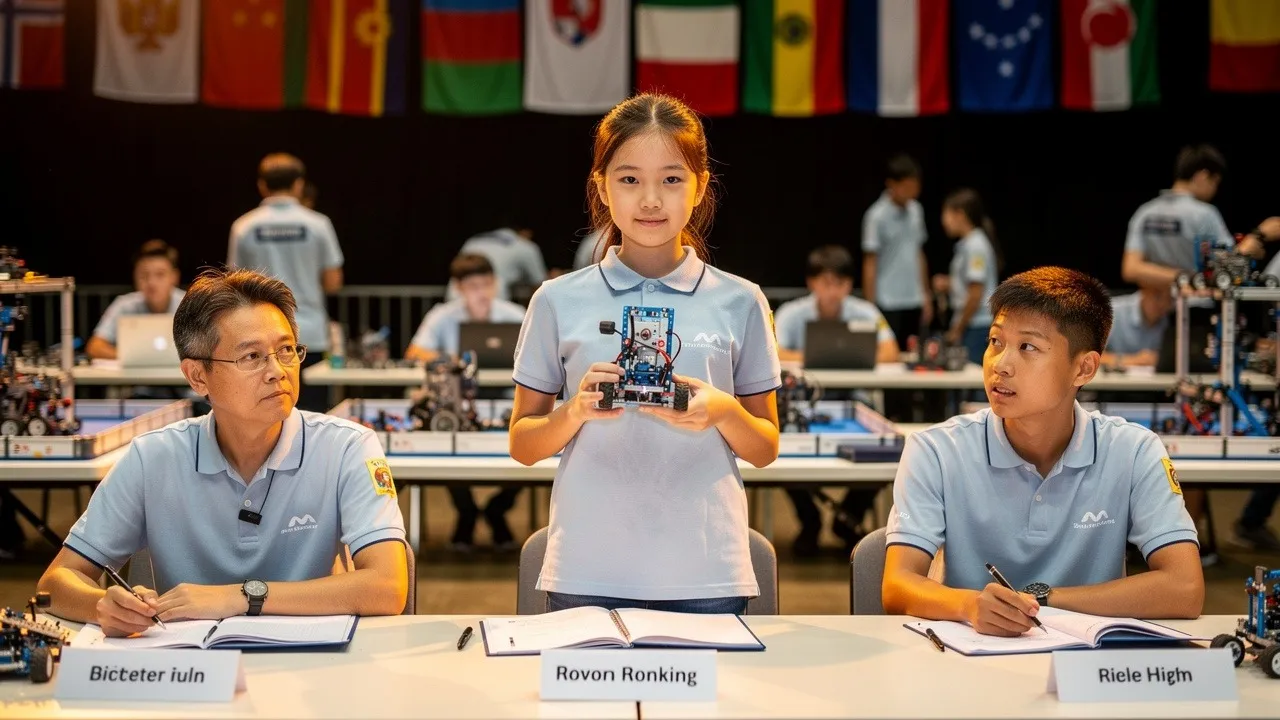
The main value of coding and robotics lies in the thinking processes children practise while completing projects.
Computational Thinking
Computational thinking involves organising a problem so that it can be approached systematically. Children practise identifying the goal, dividing the task into smaller parts, recognising patterns, developing a sequence and testing the result.
Logical Reasoning
Coding requires instructions to follow a clear order. If one command is missing, repeated incorrectly or placed in the wrong position, the output may change. Over time, children become more aware of the relationship between a decision and its result.
Creativity
Coding is not limited to finding one correct answer. Students may design their own characters, movements, structures, games, stories, mechanisms or solutions. Two children can receive the same challenge and produce very different projects.
Resilience
Projects do not always work immediately. Debugging encourages children to review what happened, make an adjustment and try again. This can help them become more comfortable with tasks that require persistence.
Communication and Teamwork
Group projects require children to explain ideas, listen to suggestions, divide responsibilities and make shared decisions. Even when children work individually, presenting a completed project can strengthen their ability to describe how a system works and why they made particular choices.
Spatial and Engineering Awareness
Robotics activities introduce movement, balance, distance, direction, gears, structure and physical relationships between components. These concepts may become easier to understand when students can see, build and manipulate them directly.
Which Coding Class Format Is Right for Your Child?
The right format depends on the child’s goals, schedule, experience and level of interest.
Weekly Coding and Robotics Classes
Weekly classes are suitable for children who are ready to develop skills over time.
Regular lessons allow students to revisit concepts, retain previous learning, complete longer projects and progress through a structured curriculum. They are usually more suitable for sustained development than one-off exposure.
Holiday Coding and Robotics Workshops
Holiday workshops can be useful for children who want to try robotics during a school break or explore a new subject before joining regular classes.
Meta Robotics offers a three-day holiday workshop for children aged 5 to 13. The programme uses hands-on robotics projects to introduce STEM concepts, computational thinking, project creation, collaboration and creative problem-solving. Workshop dates, locations and schedules should be confirmed before registration because individual intakes may vary.
A workshop can help parents determine whether their child enjoys the learning style. However, children who want to develop deeper skills will normally need continued practice beyond a short holiday programme.
Competition and DSA Preparation
A focused pathway may suit primary school students who already show sustained interest in robotics, coding, engineering or STEM-related activities.
Singapore’s Ministry of Education includes science, mathematics and engineering among the talent areas through which Primary 6 students may apply for Direct School Admission to secondary schools. Individual schools determine their own talent areas, selection processes and requirements.
DSA preparation should involve more than collecting certificates. Students need time to develop genuine technical skills, complete meaningful projects, communicate their ideas and demonstrate sustained commitment.
Meta Robotics offers a 45-hour DSA programme for children aged 9 to 12. The programme includes hands-on robotics and coding training, portfolio development and preparation for recognised robotics competitions.
Participation in a programme or competition does not guarantee a successful DSA application. Parents should review the current requirements of each school and choose a pathway that reflects the child’s genuine interests and strengths.
How Does Meta Robotics Teach Coding and Robotics?
Meta Robotics is a Singapore-based coding, robotics and STEM academy offering programmes for children aged 3 to 16. Its curriculum combines age-appropriate elements of construction, robotics, coding, games, animation, science, mathematics, design and emerging technology.
Its teaching approach is structured around the NEBULA™ Neuro-Builder Learning Model. The model combines thinking, building, programming, testing and refinement through robotics and engineering challenges.
Rather than asking students to memorise a fixed series of steps, instructors guide them through projects that require planning and problem-solving. Students can see whether a solution works, identify what may have gone wrong and improve the design or instructions.
The regular pathway begins with the Adapter Programme for children aged 3 to 4, followed by the Ranker Programme for ages 5 to 6 and the High Ranker Programme for ages 7 to 9. Students can then progress to the Ace Programme for ages 10 to 12 and the King Programme for learners aged 13 and above.
Meta Robotics also offers holiday workshops for children aged 5 to 13 and a dedicated DSA pathway for students aged 9 to 12.
This age-based structure allows younger children to begin with tactile and visual activities while older learners progress towards more complex coding, robotics and technology projects.
Where Are Meta Robotics Classes Available?
Meta Robotics currently operates centres in Bukit Timah, Jurong East, Katong, Novena, Punggol, Tiong Bahru and Upper Thomson.
Programme availability and class schedules may differ between centres, so parents should confirm the suitable age group and available times directly with their preferred location.
How Can Parents Evaluate a Trial Class?
A trial lesson is most useful when parents observe the learning process rather than focusing only on whether the child completes the project.
During the lesson, consider whether the teacher communicates instructions clearly, gives students enough time to think, responds patiently when mistakes occur and encourages the child to explain their ideas. The teacher should also adjust the level of support according to the child’s ability and allow enough time for testing and improvement.
Parents should also observe the child’s behaviour. Positive signs may include asking questions, wanting to test another idea, explaining the project after class or remaining interested when something does not work immediately.
A child does not need to be visibly excited throughout every minute of the lesson. Productive activities may require concentration and persistence. The more important question is whether the child remains willing to participate and feels comfortable attempting the challenges.
After the trial, parents can ask what the child built or programmed, which part they enjoyed most, whether anything was difficult and what they did when the project did not work. Asking whether the child would like to try another project can also help parents understand their level of interest.
Meta Robotics offers trial-class opportunities, although current terms, prices and available sessions may vary by centre and promotion period.
How Should Parents Make the Final Decision?
The best coding class is the one that gives your child an appropriate balance of support, challenge, structure and enjoyment.
Begin by identifying your objective. Your child may be exploring coding for the first time, looking for a creative weekly activity, preparing for competitions or developing a longer-term interest in technology.
Next, review the programme’s age range and progression. Ask what your child will learn during the first term, how much guidance is provided and what the next stage will involve.
Attend a trial class whenever possible. Observe how the instructor manages the lesson and how your child responds to the activities.
Practical factors should also be considered. These include the location, travel time, class schedule, lesson frequency, class size, equipment requirements, replacement arrangements, parent communication and total programme fees.
Avoid choosing solely based on the number of technologies listed in a brochure. A child who develops strong reasoning, testing and problem-solving habits will be better prepared to learn new tools as technology changes.
Frequently Asked Questions About Coding Classes in Singapore
What age can children start coding classes in Singapore?
Children can begin age-appropriate STEM, sequencing and robotics activities from around three years old. Preschool lessons should focus on construction, patterns, movement, visual instructions and simple problem-solving rather than complicated programming syntax.
Does my child need coding experience before joining?
Most beginner classes do not require previous experience. The centre should consider the child’s age, confidence and existing knowledge before recommending a suitable level.
Older students with prior experience may need an assessment to avoid being placed in a class that repeats concepts they have already mastered.
Are coding classes suitable for children who do not enjoy mathematics?
Yes. Coding involves logical and numerical ideas, but it can also include storytelling, visual design, animation, construction, experimentation and teamwork.
A child who does not enjoy conventional mathematics exercises may respond differently when similar concepts are applied through a game, animation or robotics challenge.
Is robotics better than screen-based coding?
Neither is automatically better for every child.
Screen-based coding is effective for creating animations, games, stories and simulations. Robotics adds construction, mechanics, movement, motors and sensors.
Children who enjoy building and experimenting with physical objects may find robotics especially engaging. A blended curriculum provides experience with both digital instructions and physical outcomes.
How often should my child attend coding classes?
Weekly lessons are generally suitable for continuous development because children can practise regularly and progress through connected projects.
Holiday workshops provide useful exposure, but deeper learning usually requires continued practice after the workshop.
How much do coding classes in Singapore cost?
Fees vary according to the class duration, curriculum level, instructor-to-student ratio, equipment, location and whether the programme is sold per lesson, term or workshop.
Parents should request the full cost rather than comparing only the advertised lesson price. It is also useful to confirm whether registration fees, learning materials, software, replacement lessons, competition training or equipment are included.
What is a suitable class size?
There is no single class size that suits every child. Younger beginners and children who require more guidance may benefit from smaller groups or a lower student-to-instructor ratio.
Parents should ask how many students are normally assigned to each instructor and how teachers support children who progress at different speeds.
Are laptops and robotics equipment provided?
This varies between providers and programmes.
Meta Robotics’ programme materials include educational tools such as LEGO Education robotics sets, tablets, laptops, building sheets and worksheets, depending on the student’s level and module. Parents should confirm what will be provided for the specific class before enrolment.
Which programming languages or platforms will my child learn?
The answer depends on the child’s age and course level.
Younger children may begin with physical sequencing, coding cards or visual block-based tools. Primary school students may use platforms such as Scratch or LEGO Education software. Older learners may progress towards more advanced programming structures and technology projects.
Parents should focus on whether children understand the underlying concepts instead of choosing a class solely because it names a particular programming language.
How long does it take for a child to become good at coding?
There is no fixed timeline.
Progress depends on the child’s age, lesson frequency, curriculum quality, practice, prior experience and the complexity of the projects.
Parents should look for steady improvement in independence, reasoning, project quality and the ability to explain solutions rather than expecting instant mastery.
Can coding classes support a DSA application?
Coding and robotics classes may contribute to a DSA pathway when a student develops genuine technical skills, completed projects, relevant experience and the confidence to discuss their work.
Simply attending lessons does not guarantee admission. DSA selection criteria vary between schools, and parents should check each school’s current requirements directly.
What should my child bring to class?
Requirements differ between programmes. Some centres provide all equipment, while others may ask students to bring a laptop, tablet, stationery or personal account details for particular software.
Parents should confirm equipment, clothing, food and arrival requirements before the first lesson.
How can I tell whether my child is making progress?
Progress may appear in several ways.
Your child may begin solving problems with less assistance, explaining projects more clearly, remaining calmer when errors occur, using more advanced concepts or completing increasingly complex builds.
Project portfolios, teacher observations, photographs, videos, assessments and level certificates can also help parents follow the child’s development.
Where are Meta Robotics classes available in Singapore?
Meta Robotics currently operates centres in Bukit Timah, Jurong East, Katong, Novena, Punggol, Tiong Bahru and Upper Thomson. Programme schedules and availability may differ between locations.
Conclusion
Choosing between coding classes in Singapore becomes easier when parents focus on the needs of the child rather than the most complicated course description.
The right programme should match the student’s age, provide a clear path of progression, encourage active participation and allow enough time for experimentation and problem-solving. Teachers should guide children without completing every challenge for them, while parents should receive enough information to understand how learning is progressing.
For families looking for a structured coding and robotics pathway, Meta Robotics offers age-based programmes for children from 3 to 16, together with weekly classes, holiday workshops, trial opportunities and DSA preparation.
A trial lesson is often the most practical place to begin. It allows your child to build, programme, test and explore while helping you decide whether the teaching environment is the right fit.
The goal is not simply to teach children how to operate today’s technology. It is to help them become confident thinkers who can understand problems, develop ideas, test solutions and continue learning as technology changes.
