

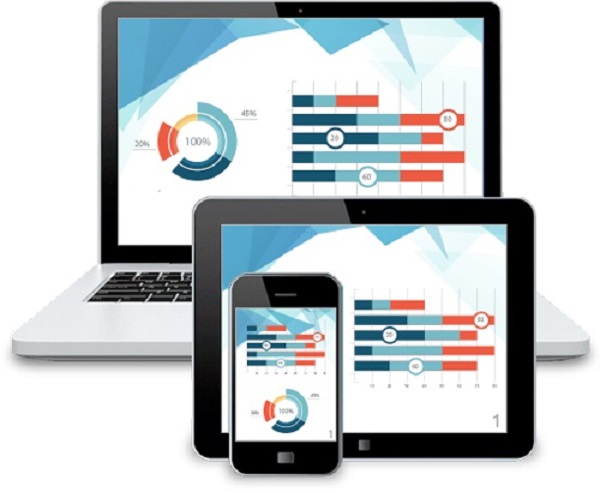
MP4 is better than WebM in terms of video quality and video compatibility. WebM is designed for internet streaming so it has a much higher compression ratio compared to MP4. WebM videos are smaller in size compared to MP4 videos. If you want to convert the video for purpose of watching on your desktop or mobile device, it is recommended that you convert your WebM educational videos into MP4. MP4 is widely supported by devices that the majority of the people in the world are using such as iPad, Android and browsers. Your audience won’t have problem watching the video regardless of the mobile device they are using.
Movavi Video Converter is able to batch convert WebM to MP4 videos by just taking a minimal amount of time. After downloading the installation file for Movavi Video Converter, you must run the .exe file and follow the instructions on the screen to run the setup. When the program is installed, you are to click on the Add Media button and choose Add Video to bring up to explorer dialog box where you can select the files. It is up to you to select one or more WebM video files to be added into the software.
Movavi Video Converter now features an improved interface with bigger video file icons so that users can easily see without any problem. When the video tab is selected, it will expand into a list of presets. You should not select the Video tab but select the Device tab if you want the webm video to be converted into a format that is compatible with your mobile device. Each video format offers a few resolutions for you to choose from. If you have no idea how big the resolution is, you can do a search on the internet. If you don’t wish to change the resolution of the video, you should select the option that says original size with the same as input description.
The destination folder can be easily customized by clicking on the folder button and navigating to the folder. The duration of the video conversion process will depend on the video files that you want to convert. Most of the time, the video conversion is fast and will complete in less than 10 minutes. You don’t have to leave your computer to do other things to wait for the video conversion process to complete.
To go to the video editor, you just click on the Edit button on the row of the video file you want to edit. The video editor features various tabs like adjustment where you can toggle different sliders to adjust different aspect that influence the video coloration. Some of the different aspects you can adjust under the Adjustment tab are brightness, contrast, hue, and saturation. You can apply the auto contrast and auto white balance to see if it enhance your video. If the video has lots of noises in the background, you can check the noise removal check box to remove the tiny colorful dots.
